How To Get Jackie's Guns Cyberpunk 2077 Quest Choices And Weapon Locations
Jackie Welles is one of the most memorable characters in Cyberpunk 2077, leaving a lasting impression on players during the opening hours of Night City. Following the dramatic events of The Heist, players have an opportunity to collect his signature dual pistols, La Chingona Dorada. Obtaining these iconic weapons requires making specific narrative decisions and visiting a key location later in the game.
The journey to acquiring Jackie's sidearms begins in the immediate aftermath of the Arasaka Tower heist. When Delamain asks V where to take Jackie's body, your decision directly dictates whether the weapons become accessible. To ensure you can retrieve the pistols, you must choose to send his remains to his family or instruct Delamain to wait for you.
If you choose to send his body to Viktor Vector, Arasaka agents will intercept the transport. This decision locks out the memorial ceremony side quest, preventing the pistols from spawning later. Making the right choice ensures you unlock the necessary follow-up mission, Heroes, which honors Jackie's legacy.
After selecting the correct path, Mama Welles will reach out to V to invite them to a ofrenda in El Coyote Cojo bar. Participating in this emotional tribute allows players to celebrate Jackie's life alongside his loved ones. Following daily gaming news often reminds RPG fans how choice-driven storytelling enriches companion storylines like this one.
During the quest, you can explore Jackie's garage with Misty to select an offering for the altar. Completing the ceremony and speaking with Mama Welles resolves the main storyline of the quest. However, the iconic pistols will not immediately be available on the altar during the ceremony itself.
To claim La Chingona Dorada, you must leave El Coyote Cojo after the ofrenda and wait twenty-four hours in-game. Returning to the bar after this time skip reveals the dual pistols resting directly on the memorial altar inside. Simply approach the altar and pick up both handguns to add them permanently to your inventory.
These Power Pistols boast unique statistical bonuses, including increased burn chance and faster reload speeds. Displaying them in V's apartment armory also fills a designated slot on the stash wall. Securing both weapons serves as a fitting tribute to your former mercenary partner in Night City.
Sea of Stars Best Stats for Each Character Level Up Priorities and Character Builds
Sea of Stars captures the magic of classic turn-based role-playing games while introducing modern mechanics that keep combat dynamic and engaging. One of the most critical decisions players face during their journey is selecting stat bonuses upon leveling up. Making informed choices for each party member ensures your team maintains optimal balance, high damage output, and reliable survivability throughout tough encounters.
Whenever your party levels up in Sea of Stars, all active characters receive a baseline increase to their attributes. Additionally, you get to choose one bonus stat point for each character from a randomized pool of options. Prioritizing stats that align with a hero's natural role will significantly enhance their effectiveness in battle.
Because base stat growths are predetermined, bonus stat allocations allow you to fine-tune specific weaknesses or double down on core strengths. Players who follow RPG trends and read daily gaming news often emphasize the importance of early-game Mana Points for smoother spell rotation. Balancing offensive power with tactical utility ensures your heroes are prepared for challenging boss fights.
As the Solstice Warriors, Valere and Zale form the backbone of your offensive lineup. Valere excels as a agile physical striker, making Physical Attack and Mana Points her highest priority bonuses. Boosting her MP pool allows her to cast Moonerang more frequently, breaking enemy locks and dealing massive area-of-effect damage.
Zale functions as a versatile hybrid attacker who deals both sword damage and potent Solar magic. Prioritize Physical Attack and Magic Attack for Zale to maximize his damage during Sunball casts and standard strikes. Adding occasional HP or Hit Points bonuses helps him absorb heavy hits when standing on the frontlines.
Garl is the heart of the party, serving as a durable defender and reliable support healer. To maximize his potential, focus primarily on Health Points and Physical Defense to keep him standing during intense battles. Extra points in Physical Attack also improve his skill damage when using Nourish or Hurl.
Seraï brings unmatched utility to the team with her delay mechanics and rapid multi-hit strikes. Prioritizing Mana Points and Physical Attack enables her to frequently use Disorient to push back enemy action timers. Maintaining her MP pool ensures you can stall powerful boss attacks at crucial moments.
As your party expands in the later chapters, characters like Resh'an and B'st bring specialized magic and physical tools to the group. Resh'an benefits heavily from Magic Attack and MP, maximizing his alchemy healing and damage spells. Meanwhile, B'st thrives with heavy investments in Physical Attack and Hit Points to dominate as a brawler.
Ultimately, tailor your character builds to complement your personal playstyle and party composition. Keeping a steady balance between offensive capabilities and resource pools like MP guarantees a smooth experience. With the right stat priorities, your party will conquer every challenge the cosmos throws your way.
how many tb does a ps5 have Storage Capacity And Usable Space Explained
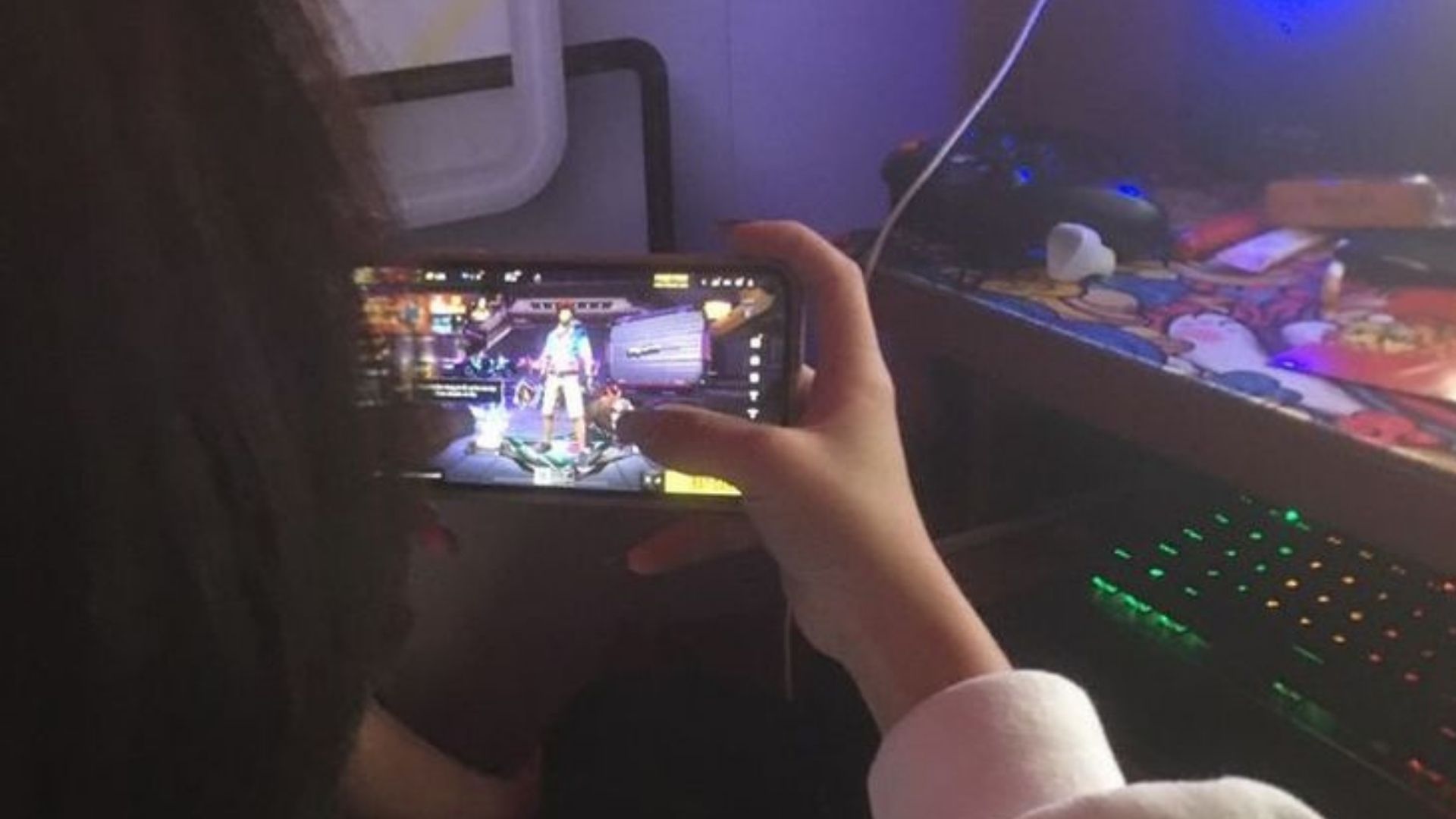
Understanding the storage specs of the PlayStation 5 is essential for gamers looking to manage their digital game libraries effectively. Depending on the specific model you own, the internal hard drive capacity varies from less than one terabyte to a full terabyte. Keeping up with daily gaming news often highlights how rapidly modern game file sizes are growing, making storage management a primary concern.
The original PlayStation 5 console launched with a custom 825 GB solid-state drive built directly into the system architecture. In contrast, the updated PS5 Slim models feature a larger 1 TB internal SSD straight out of the box. This increase gives newer buyers slightly more room for installations right from the start.
While the box states 825 GB or 1 TB, the total usable space is always lower due to reserved system files. On the launch model, players have approximately 667 GB available for games, media, and save data. The 1 TB Slim variant reserves similar system overhead, leaving users with roughly 848 GB of usable storage space.
High-resolution textures, uncompressed audio files, and detailed world assets drive up the install sizes of modern triple-A releases. A single blockbuster title can easily require between 100 GB and 150 GB of disk space. As a result, users without expanded storage often find themselves deleting older titles to download new updates.
Fortunately, Sony included an internal M.2 NVMe SSD expansion slot across all console models to increase total terabytes. Players can install compatible drives ranging from 500 GB up to 8 TB to store and play PS5 games directly. Additionally, external USB hard drives can be connected to store PS5 titles or play PS4 games directly.
Pasteis De Nata Dreamlight Valley Recipe Ingredients And Cooking Guide
Preparing delicious desserts in Disney Dreamlight Valley allows players to restore energy and complete seasonal villager requests with ease. Among the sweet treats introduced in the A Rift in Time expansion is Pasteis de Nata, a classic Portuguese custard pastry reimagined for the magical ecosystem. Understanding how to gather the necessary ingredients and assemble them at a cooking station ensures a seamless baking experience.
To cook Pasteis de Nata in Disney Dreamlight Valley, players need to gather four distinct items. The required components consist of Corn, Egg, Milk, and Vanilla. Unlike some flexible recipes in the game, these exact items must be used without substitutions.
Dairy items like Milk and Eggs can be purchased directly from the Chez Remy pantry once the kitchen is unlocked. Corn seeds or fully grown crops are obtainable at Goofy's Stall on Dazzle Beach. Vanilla can be wild-harvested by foraging plant nodes across the Sunlit Plateau biome.
Once all four items are safely stored in your inventory, head over to any nearby stove or cooking station. Add one Corn, one Egg, one Milk, and one Vanilla into the cooking pot along with a single piece of Coal. Start the cooking process to instantly produce a four-star meal ready for consumption or gifting.
Using a well-stocked storage chest near your primary kitchen setup can save considerable time when preparing multi-ingredient meals. Having these materials organized allows you to quickly complete daily Dreamlight tasks without running across biomes.
Consuming Pasteis de Nata restores a substantial amount of energy to help players maintain peak movement speed during exploration. Additionally, selling the completed dish at Goofy's Stall yields a solid amount of Star Coins for your valley treasury.
Sharing custom pastries with villagers also boosts friendship levels significantly during daily interactions. Keeping a batch in your inventory provides reliable energy reserves during lengthy mining or fishing sessions across Eternity Isle.
How To Dodge In GTA 5 Complete Controls And Tips
Mastering defensive maneuvers in Grand Theft Auto 5 is essential for surviving intense fistfights and chaotic shootouts across Los Santos. Whether you are fighting hostiles in story mode or competing against rival players in GTA Online, knowing how to dodge incoming attacks gives you a distinct advantage. By timing your evasive moves properly, you can completely neutralize incoming damage and set up powerful counterattacks.
To dodge a melee attack in GTA 5, you must first lock onto your opponent using the target button. On PlayStation consoles, hold L2 to lock on and press Square right as the enemy swings to dodge. Xbox players need to hold LT and press X, while PC players should hold the right mouse button and press Spacebar.
Timing is critical when attempting to slip past an incoming punch or weapon strike. Pressing the dodge button too early might leave you vulnerable to a follow-up attack, while pressing it late results in taking full damage. Practicing the rhythm of enemy strike animations will help you consistently trigger flawless dodges during brawl encounters.
Once you successfully dodge an incoming melee attack, your opponent will briefly be thrown off balance. Immediately press the attack button—Circle or R2 on PlayStation, B or RT on Xbox, or Left Click on PC—to execute a swift counterpunch. Counterattacks often deal significantly more damage than standard strikes and can incapacitate opponents quickly.
When engaged in gunplay rather than hand-to-hand combat, dodging takes the form of a combat roll. While aiming down sight with any firearm, press the jump or dodge button along with a direction to roll along the ground. Performing a combat roll breaks an enemy player's auto-lock aim in GTA Online, granting you a key tactical window during firefights.
Managing multiple enemies at once requires smart positioning and constant awareness of your surroundings. Trying to dodge while surrounded by several attackers can still result in taking damage from secondary blows. Always try to keep your target between you and other hostiles so you can handle incoming strikes one at a time.
Using customized controller setups or back paddles can further enhance your reaction speed when performing defensive moves. If you want to learn more about optimizing your control layout for high-level play, check out to fine-tune your gameplay performance. Staying mobile, watching enemy wind-up animations, and combining dodges with immediate counter-strikes will keep you alive in any combat scenario.
Best Gaming Websites in The World